Mailbox Settings: Language Configuration
The Language sub-tab of Mailbox Settings controls which languages ReplyFabric processes email in for this mailbox, and which one is the default.
Language Configuration
Mailboxes inherit an organization-wide default language unless overridden per-mailbox. The Default Language is tagged Primary — "the primary language for email processing and new categories. It's the first language in your supported languages list."
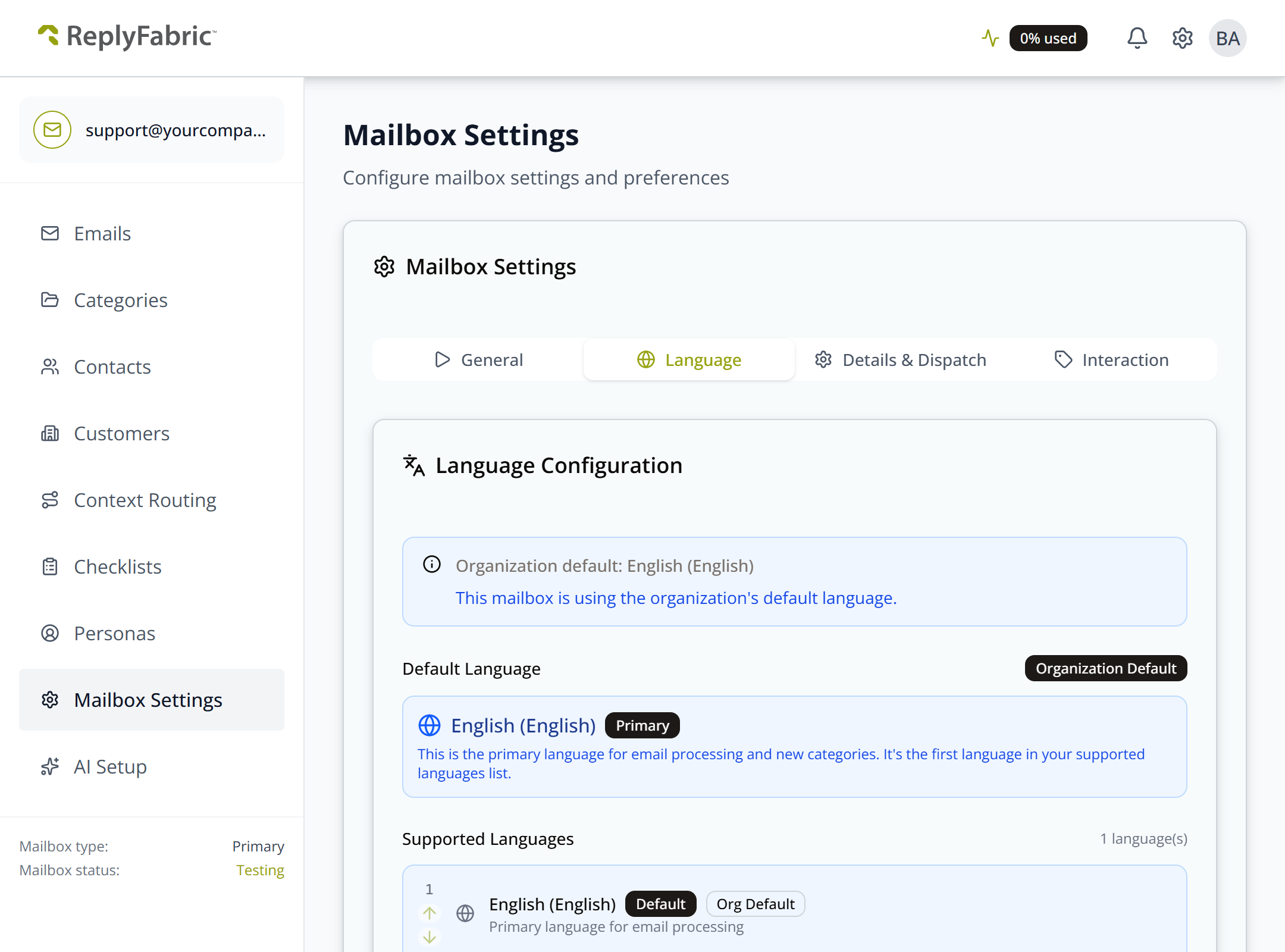
Add Language Support
Adding a language here does more than add it to the list:
Adding a language automatically creates categories for that language, based on your existing category structure.
This is the mechanism behind the per-language sections you'll see throughout Category Management — every category gets its own set of Intents, FAQs, and Knowledge Base documents per language once that language is added here. See Category Management: Understanding Intents, Category Management: FAQs, and Category Management: Knowledge Base.
Click Save Language Settings to commit the change. A summary at the bottom recaps your default language, total language count, and every configured language.
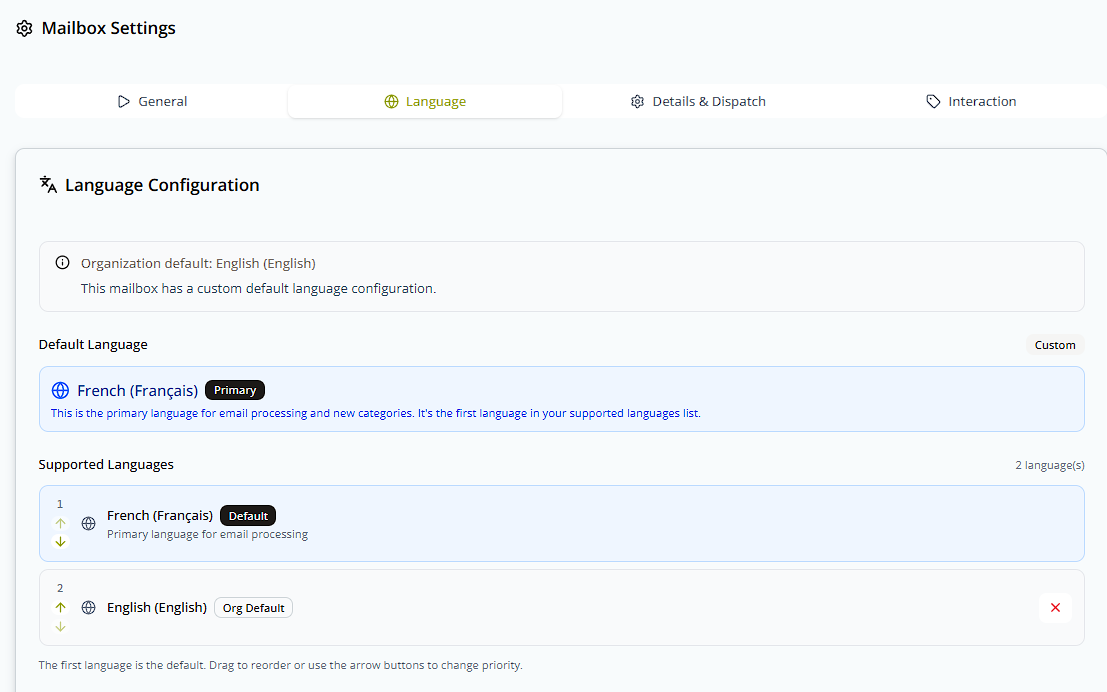
Move a newly added language to the top of Supported Languages with the arrow buttons and it becomes the mailbox's new Default (Primary), with the previous default demoted below it:
What's next
- Mailbox Settings: General — mailbox status, attachment processing, and alias routing.
- Category Management: Understanding Intents — how each language gets its own set of intents.